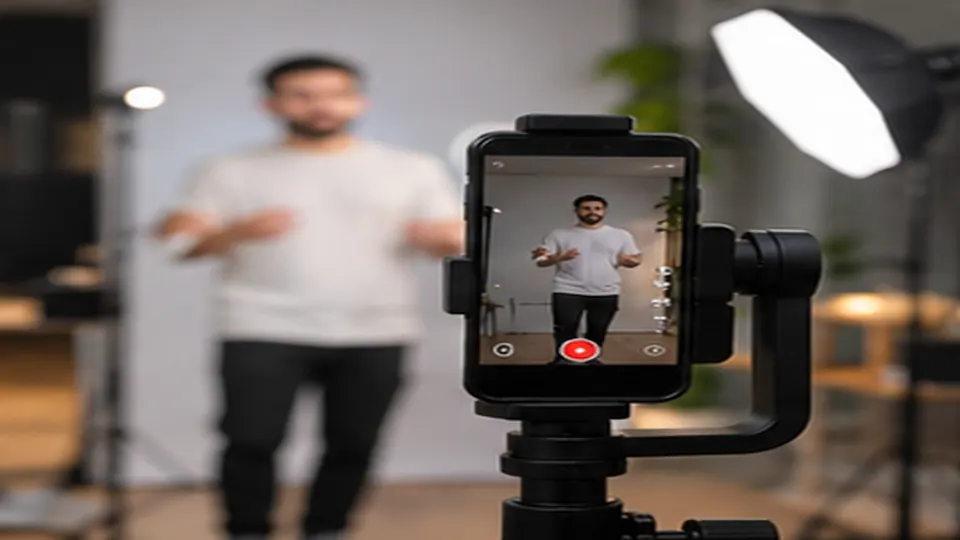
Shorts video rules decide whether an upload lands in the vertical Shorts feed or appears as a regular video. Length, aspect ratio and a few music rules all play a part, and getting them right means your clip reaches the audience scrolling through Shorts rather than sitting unnoticed among long-form uploads.
Viewers benefit from understanding the format as well. It explains why some clips loop, why others fill the screen differently and why a converted watch link shows a narrow vertical frame on a computer. Each specification below is explained in plain language.
Maximum Length of a Short
Shorts uploaded on or after 15 October 2024 can run up to three minutes. Before that date the limit was 60 seconds, so older Shorts are all a minute or less. Videos longer than three minutes are treated as regular uploads even when they are vertical.
There is no strict minimum for a Short. Very brief clips often loop several times in the feed, which can help with repeat views when the beginning and ending connect smoothly.
Aspect Ratio: Vertical and Square
The classic Shorts shape is vertical 9:16, matching the way people hold their phones. YouTube also treats square videos within the length limit as Shorts. Horizontal 16:9 footage does not qualify for the Shorts feed and shows as a standard video.
| Aspect ratio | Typical size | Treated as a Short? |
|---|---|---|
| Vertical 9:16 | 1080 × 1920 pixels | Yes, within the length limit |
| Square 1:1 | 1080 × 1080 pixels | Yes, within the length limit |
| Horizontal 16:9 | 1920 × 1080 pixels | No, regular video |
Recommended Resolution and Quality
A resolution of 1080 by 1920 pixels is the common choice for vertical Shorts because it matches most modern phone screens and stays sharp after YouTube's compression. Recording at a steady frame rate, such as 30 or 60 frames per second, keeps motion smooth.
Good light matters more than pixel count. A well-lit clip at 1080p usually looks better in the feed than a dim one recorded at a higher resolution, because compression struggles with noise and dark scenes.
- Shoot vertically from the start instead of cropping wide footage
- Keep important text away from the bottom and right edges, where buttons overlay
- Use stable lighting to reduce compression artefacts
- Export with a common codec such as H.264 in an MP4 container
Music and Copyright Considerations
Sounds from the YouTube audio library and the Shorts sound picker are cleared for use inside Shorts, though some tracks only allow a limited clip length. When YouTube expanded the three-minute limit, it also stated that Shorts longer than one minute with an active Content ID claim would be blocked.
Creators who want longer Shorts should use original audio, licensed tracks or library sounds that permit the full duration. Viewers occasionally notice muted sections in older Shorts, which is often the result of a rights claim.
Safe Zones and Overlays
In the Shorts player, the channel name, caption and subscribe button sit near the bottom, while the like, comment, share and remix buttons stack on the right. Text or faces placed in those areas may be hidden behind interface elements.
Keeping titles and key visuals in the upper and central part of the frame avoids that problem on both phones and desktop browsers. Previewing the upload in the app before publishing is the simplest way to check.
How the Format Looks on a Computer
On a widescreen monitor, a 9:16 Short appears as a tall column with empty space at the sides. The Shorts feed centres the clip, while the regular watch page places it inside the standard player frame.
Converting a link with yt short opens that standard player, which adds a full timeline and speed menu. Our guide to watching Shorts on a computer shows ways to make tall video fill more of the screen.
File Types and Upload Settings
YouTube accepts a wide range of video files, and MP4 with H.264 video and AAC audio remains a dependable choice for Shorts. Phone cameras already record in compatible formats, so most clips can be uploaded straight from the gallery without conversion.
Editing apps often offer presets labelled for Shorts or vertical social video. Choosing one of these sets the correct frame size and orientation automatically and avoids accidental black bars around the clip.
- Container: MP4 or MOV are widely used
- Video codec: H.264 for broad compatibility
- Audio: AAC, recorded clearly with minimal background noise
- Frame rate: keep the original rate rather than converting it
Titles and Covers for Shorts
Shorts usually start playing immediately in the feed, so the opening frame does much of the work a thumbnail does for regular videos. On channel pages and in search, however, a cover frame appears, and the app lets you choose a frame from the clip when uploading from a phone.
A short, descriptive title helps viewers understand the topic before tapping. Adding relevant hashtags in the title or description can help the clip appear alongside related content.
Captions and Text on Screen
Burned-in captions remain readable in every player because they are part of the video itself. Large, high-contrast text in short phrases works best, placed in the upper or central area so it never hides behind the caption bar or action buttons.
YouTube can also generate automatic captions that viewers switch on themselves. Checking those captions after upload and correcting mistakes in YouTube Studio improves accessibility for everyone watching without sound.
Frequently Asked Questions
Can a horizontal video become a Short?
Not as it is. Horizontal 16:9 uploads are regular videos. Reframing the footage into a vertical or square crop is needed for the Shorts feed.
Do old 60-second Shorts change after the limit increase?
No. The three-minute limit applies to uploads from 15 October 2024 onward. Earlier Shorts keep their original length.
Is 4K useful for Shorts?
Uploading at higher resolution is allowed, but most viewers watch on phones, so clean 1080 × 1920 footage is usually enough.
Conclusion
Shorts video success starts with the basics: a vertical or square frame, a runtime within three minutes, a sharp 1080 × 1920 export and audio that is cleared for the full length. Respecting the on-screen safe zones keeps captions and faces visible on every device.
For viewing, the same format works on phones and computers alike, and the yt short converter lets you open any Short in the standard player whenever you need finer control.
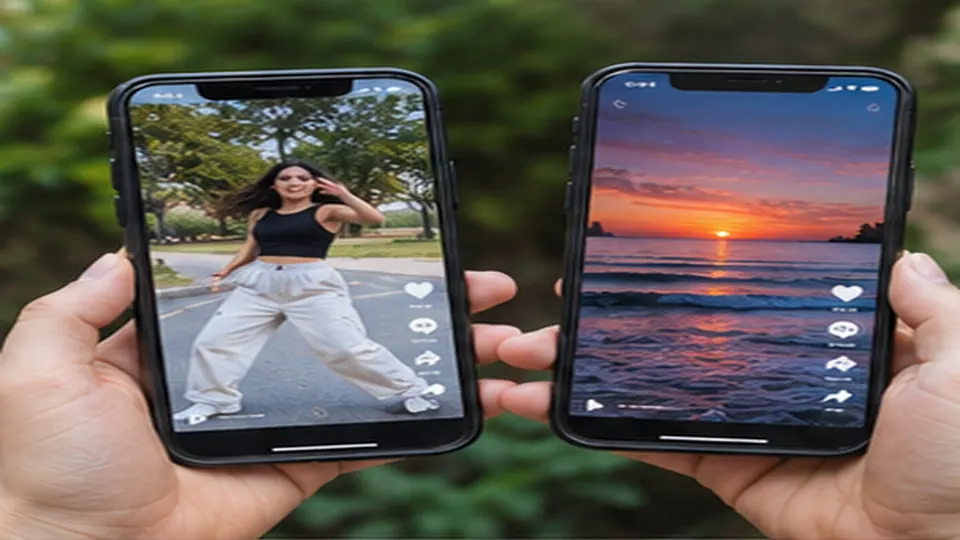 YouTube Shorts vs TikTok: Key Differences for Viewers
 How to Find All Shorts on a YouTube Channel?
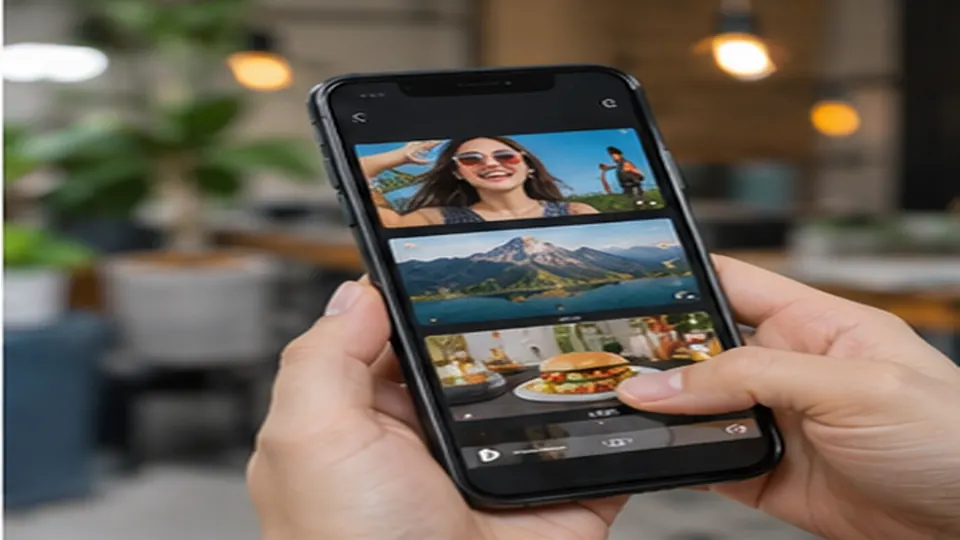 All Short Video Platforms Compared: Where Vertical Clips Live