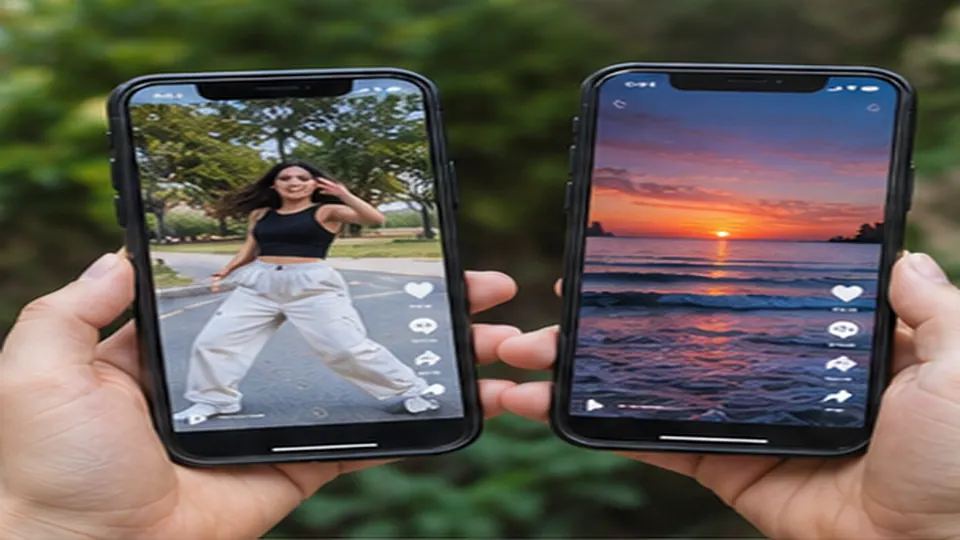
YT Shorts app searches usually come from people expecting a separate download, yet Shorts actually lives inside the main YouTube app on Android and iPhone. There is no standalone official Shorts app to install; the vertical feed is one tab of the same app you already use for long-form videos.
Knowing this saves time and protects your phone from lookalike apps. The sections below show where Shorts sits in the YouTube app, which settings matter, how to create a Short and how to open Shorts links from other apps.
Where Shorts Lives in the YouTube App
Open the YouTube app and look at the navigation bar along the bottom of the screen. The Shorts tab sits beside Home and opens a full-screen vertical feed. Swiping up moves to the next clip, swiping down returns to the previous one and tapping pauses playback.
Shorts also appear as shelves inside the Home feed, in search results and on channel pages. Tapping any of them opens the same full-screen player.
- Bottom bar: Shorts tab for the main vertical feed
- Home feed: Shorts shelves between regular videos
- Channel page: dedicated Shorts tab for each creator
- Search: Shorts filter and mixed results
Android and iPhone Differences
The Shorts experience is very similar on both platforms because YouTube designs one app for each store. Minor differences appear in share sheets, picture-in-picture behaviour and system-level settings such as data saver modes.
| Topic | Android | iPhone |
|---|---|---|
| Where to install | Google Play Store (often preinstalled) | Apple App Store |
| Opening Shorts links | Links open in the app when it is set as the default handler | Links open in the app when it is installed |
| Sharing | Android share sheet | iOS share sheet |
| Updates | Play Store auto-update | App Store auto-update |
Keeping the app updated matters more than the platform itself, since new Shorts features and fixes arrive through regular releases.
Settings Worth Adjusting
Inside the app settings, the video quality preferences control how much data Shorts use on mobile networks and Wi-Fi. Choosing a data saving option keeps long scrolling sessions affordable without making clips hard to see.
Notification settings decide whether you hear about new uploads from subscribed channels. The Take a break and bedtime reminders under general settings help many viewers keep endless scrolling under control.
- Video quality preferences for mobile data and Wi-Fi
- Captions for watching without sound
- Take a break and bedtime reminders
- Restricted Mode for shared or family devices
Creating a Short from the App
Tap the plus button in the bottom bar and choose Create a Short. The camera opens in vertical mode with options for speed, timer, filters and sound. Recording can be done in segments, which makes it easy to cut between scenes without editing software.
After recording, add text, captions and a title, then choose who can see the video. Clips you upload stay connected to your channel alongside your long-form videos. Our article on what makes the best short video for YouTube covers planning and pacing tips.
Opening Shorts Links from Other Apps
Links shared in messages and social apps usually look like youtube.com/shorts/VIDEO_ID. When the YouTube app is installed, tapping the link generally opens it in the Shorts player. If it opens in a browser instead, the in-app browser of the messaging app may be intercepting it.
Converting the link with the yt short converter gives a regular watch link and a short youtu.be link. Those formats are handy when you want a friend on a laptop to see the clip in the standard player.
Spotting Unofficial Shorts Apps
App stores contain many players and "Shorts" apps from unknown developers. Some only wrap the YouTube website, while others add aggressive ads or request permissions they do not need. Check the developer name carefully: the official app is published by Google.
Reviews mentioning sudden ads, battery drain or account problems are warning signs. When in doubt, uninstall the app and stick with the official YouTube app or a trusted browser.
Shorts on Tablets and TVs
The same YouTube app runs on Android tablets and iPads, where Shorts open in a centred vertical player with space on either side. Rotating a tablet into portrait orientation fills more of the screen and feels closer to the phone experience.
The YouTube app on many smart TVs and streaming devices also includes Shorts, usually as a shelf on the home screen or a dedicated section. Navigation uses the remote's up and down buttons instead of swiping, which suits relaxed viewing from the sofa.
- Tablets: portrait mode gives the largest picture
- Smart TVs: look for a Shorts shelf or section in the YouTube app
- Casting: send a Short from your phone to a compatible TV
Keeping the App Fast
Over time, cached data can make any app feel sluggish. On Android, clearing the YouTube cache from system settings frees space without deleting your account data. On iPhone, offloading the app and reinstalling it achieves a similar refresh.
Automatic updates keep Shorts features and security fixes current, so leaving them switched on in the Play Store or App Store is the easiest way to avoid problems.
Frequently Asked Questions
Is there an official YT Shorts app?
No separate official app exists. Shorts is a section of the main YouTube app published by Google.
Can I watch Shorts without the app?
Yes. Open youtube.com in a mobile or desktop browser and select Shorts, or open any Shorts link directly.
Why does a Shorts link open in my browser instead of the app?
The messaging app may use its own browser, or YouTube may not be set as the default handler for links on Android. Choosing Open in browser or Open in app from the menu usually fixes it.
Conclusion
YT Shorts app features are built straight into the official YouTube app, so one install covers Shorts, long-form videos, subscriptions and creation tools on both Android and iPhone. Adjusting quality, captions and reminder settings tailors the feed to your habits.
Avoid lookalike apps, keep YouTube updated and use the yt short link converter when you need a clean watch or share link for a Short you found on your phone.
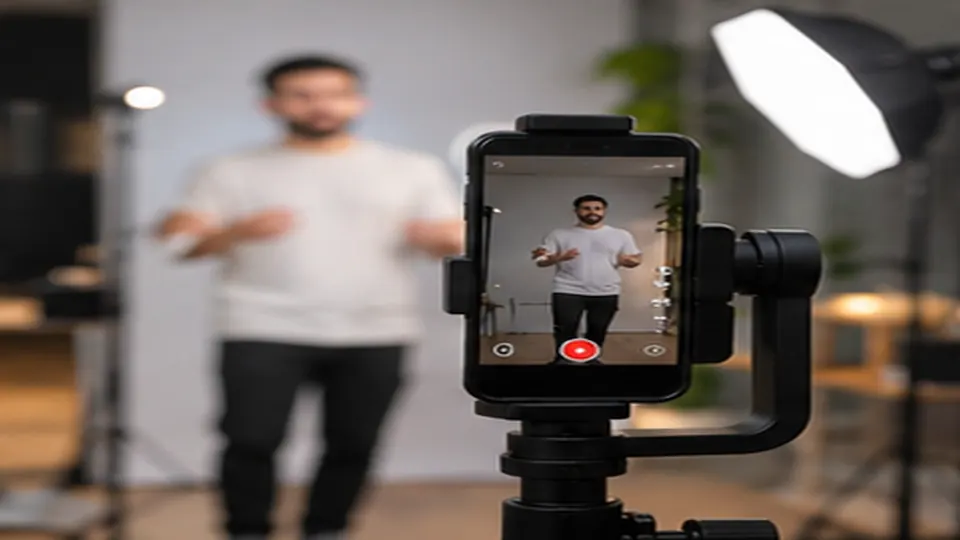 Shorts Video Format Explained: Length, Ratio and Resolution
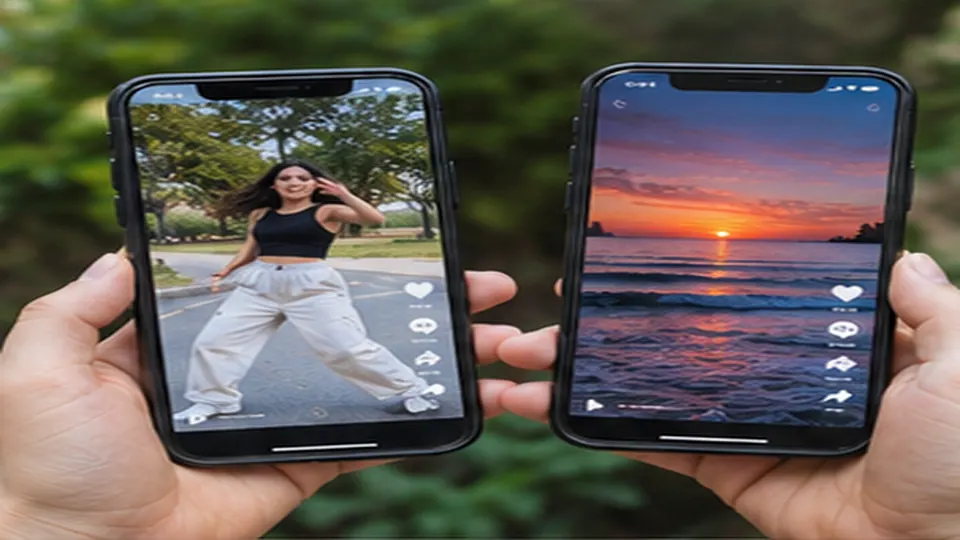 YouTube Shorts vs TikTok: Key Differences for Viewers
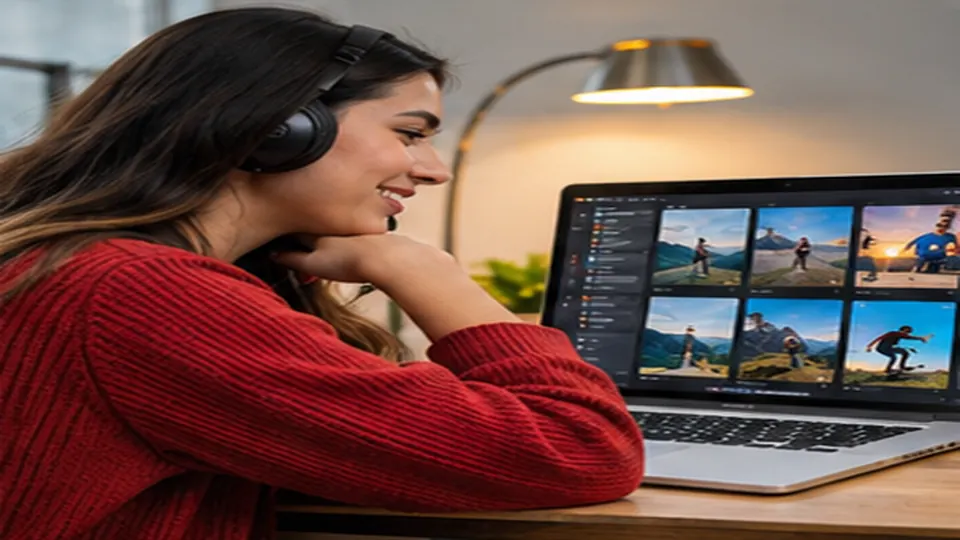 How to Find All Shorts on a YouTube Channel?